App Not Opened
June 03, 2026
Ever installed an app on your Mac and been greeted with this lovely dialog?
<App> Not Opened
Apple could not verify "<App>" is
free of malware that may harm your
Mac or compromise your privacy.
[Done] [Move to Trash]
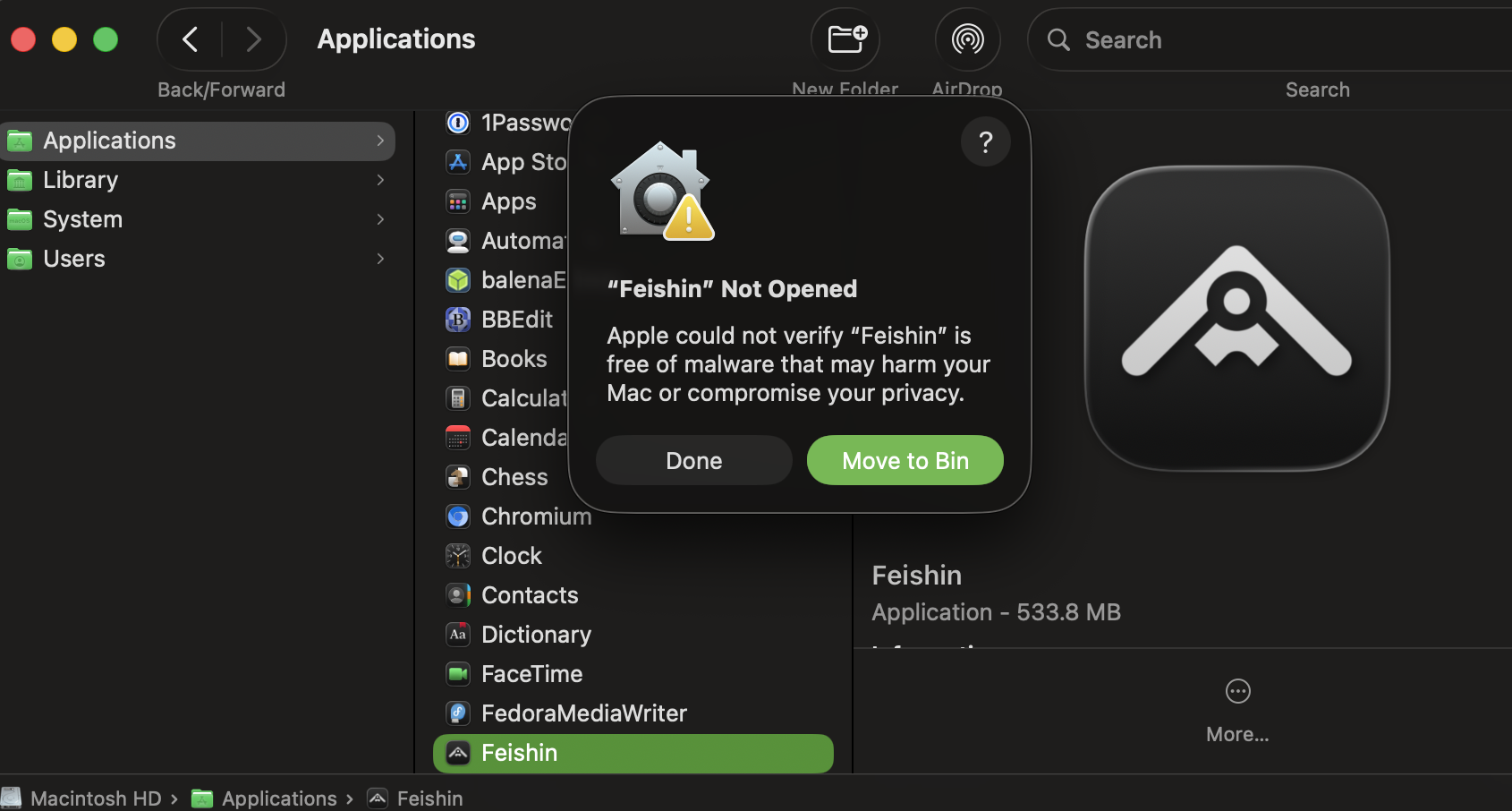
I've covered this before in a previous blog post: The macOS Quarantine Bit Error Message is Bad. But TL;DR: no, the app you're trying to run is not broken. No, it is not malicious. And even if it was, it's almost certainly no more malicious than the litany of apps that Apple won't warn you about that they aggressively advertise in the App Store and at the top of every App Store search. It just means the app isn't signed by an official Apple Developer account that costs $100 a year, likely because the developer doesn't have $100 a year to spare to jump through Apple's hoops.
As long as you downloaded the app from a trusted source, there's an easy way to open the app and use it however you wish.
-
Copy and paste this line into a terminal window (make sure you include the space after 'quarantine'!):
xattr -dr com.apple.quarantine -
Command (⌘) + click the app in your Dock to reveal the app's location in a Finder window (likely
/Applications/<App>.app). -
Drag the app from Finder into your terminal window. When you release, this should paste the path to the app's location in storage at the end of the command you copied in step 1.
-
Press Enter in the terminal window to remove the quarantine bit from your unsigned app.
-
Click on the app icon in your Dock or Finder. It should open just fine. Note that you'll have to do this again every time you manually install or update the app, if the app doesn't manage its own updates.
It's dumb that you have to do this.
It's dumb that you used to be able to globally allow unsigned apps in the macOS Preferences.
It's dumb that you used to be able to right click -> Open to open the app, but they removed that workaround.
It's dumb that you don't even seem to be able to globally disable quarantine bits any more -- macOS updates frequently 'accidentally' turn it back on.
But at least you can work around the issue for now.